

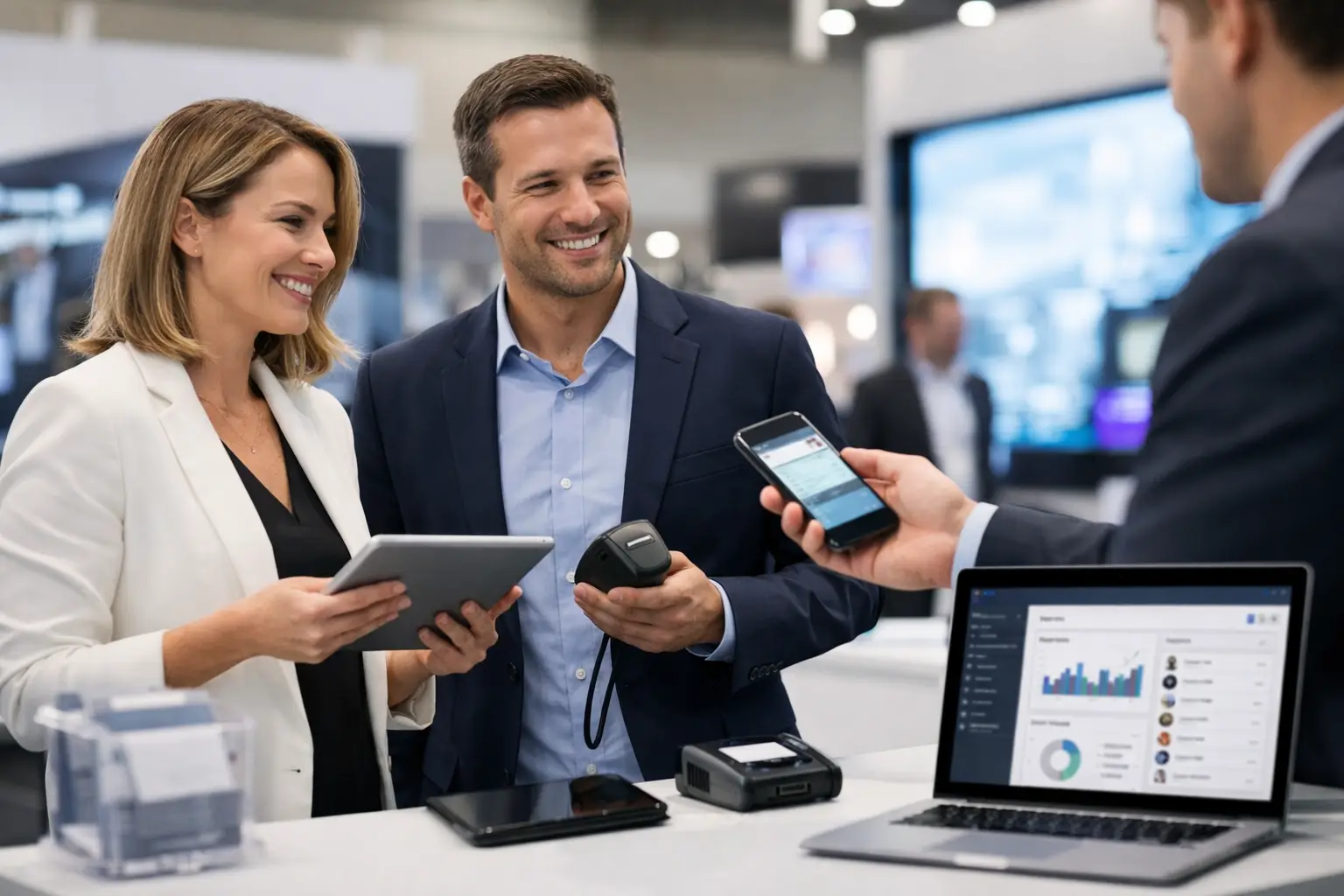

A busy booth can create a frustrating problem: your team has more worthwhile conversations than it can accurately record. The best trade show lead capture tools solve that problem by turning a quick badge scan, a product conversation, or a demo request into useful sales context your team can act on after the show.
For marketing managers, the decision is not simply about replacing paper forms. It is about matching the tool to the event, your CRM process, the value of a typical opportunity, and the speed at which your sales team follows up. A scanner that captures 500 names without notes may look productive. A smaller list of qualified contacts, tagged by product interest and buying timeline, is usually far more valuable.
What a Lead Capture Tool Must Do at a Trade Show
Before comparing platforms, define the minimum standard. A practical lead capture setup should collect contact details quickly, work reliably on the show floor, let staff add qualification notes, and transfer data into your CRM without hours of spreadsheet cleanup.
The strongest tools also make it easy to score or categorize prospects at the point of conversation. For example, an exhibitor selling industrial equipment may need to distinguish a distributor from an end user, identify the geographic market, and record whether the visitor has a live project or is researching next year’s budget. That context determines the follow-up message.
Your exhibition stand design matters here, too. If the lead capture point is hidden behind a counter or requires visitors to wait in line, even excellent software will underperform. Place tablets or scanners where conversations naturally happen: near a product demo, hospitality area, meeting table, or key display zone.
10 Best Trade Show Lead Capture Tools to Consider
There is no universal winner. Some platforms are built for large events with organizer-issued badges, while others work best for exhibitors running their own qualification process across multiple shows. These are ten strong options, organized by how they are commonly used.
1. Official event lead retrieval apps
Most major trade show organizers offer a lead retrieval app, typically connected directly to attendee badges. These apps are often the quickest way to scan a visitor’s credentials and retrieve the information the attendee provided at registration.
They are particularly useful at large international shows where badge scanning is expected. The trade-off is that data fields, exports, and integrations can be limited by the organizer’s platform. Confirm exactly what information is available, whether notes can be added, and how long data access remains active after the event.
2. Cvent LeadCapture
Cvent LeadCapture is a strong option for enterprises that already use Cvent for event management. It supports badge scanning, custom qualification questions, lead scoring, and integration with common CRM workflows.
Its value is strongest when you need standardized processes across many events and multiple booth staff. It may be more platform than a smaller exhibitor needs for one or two shows a year, but it suits teams that need consistency, reporting, and governance.
3. iCapture
iCapture is designed around fast lead collection and routing, with options for badge scanning, custom forms, and CRM integration. It is a practical choice for sales-led exhibitors that want teams to capture notes immediately after a conversation rather than rely on memory at the end of the day.
The platform is especially useful when qualification varies by campaign. A technology company can ask about current systems and implementation timing, while a real estate developer can capture project type, location, and investment range.
4. atEvent
atEvent is built for organizations that want better control over event lead management, data standardization, and follow-up across a portfolio of trade shows. Its strengths include custom forms, offline functionality, and central visibility for marketing and sales leaders.
This is a sensible fit when exhibitions are a measurable part of your demand-generation strategy, not an occasional brand exercise. The setup takes planning, but that discipline pays off when you need comparable results from events in Las Vegas, Dubai, Chicago, or Frankfurt.
5. Captello
Captello combines lead capture with event engagement features such as games, giveaways, and interactive activations. It can be a good match for brands that need to create traffic as well as collect leads, particularly in crowded B2B halls where a static brochure display will not hold attention.
Use engagement features carefully. A prize draw can increase scans, but it can also attract visitors with no commercial relevance. Make a qualifying question part of the interaction, and keep the prize aligned with your target audience.
6. Swapcard
Swapcard is commonly used as an event app and attendee networking platform. When it is selected by an organizer, exhibitors may benefit from attendee profiles, meeting requests, and digital engagement before, during, and after the show.
Its lead capture value depends heavily on how the specific event has configured the platform and what access exhibitors receive. Ask the organizer early whether your team can export contacts, view engagement activity, and integrate leads with your CRM.
7. Jotform Mobile Forms
Jotform is a flexible, cost-conscious option for exhibitors that need a custom intake form rather than badge retrieval. It works well for appointment requests, product inquiries, distributor applications, and visitor surveys collected on a tablet.
It is not a replacement for official badge scanning at events where that is available. However, it is useful when you need detailed information that an attendee badge will not provide, such as specifications, delivery requirements, or consent for a sample request.
8. HubSpot mobile tools and forms
For teams already working in HubSpot, using its forms and mobile-friendly CRM workflows can reduce the risk of leads getting stranded in a separate event system. Staff can capture contact details, assign an owner, add notes, and trigger follow-up activity from one familiar environment.
This approach works best for high-value conversations where staff can spend a minute or two recording details. It is less suitable for rapid badge scanning during peak booth traffic unless paired with a dedicated retrieval tool.
9. Salesforce event capture solutions
Salesforce users can choose from native mobile capabilities and specialized event capture applications that sync with their existing data model. The appeal is obvious: leads enter the sales environment where pipeline, account history, and ownership already live.
The caution is implementation. Do not assume a Salesforce-connected tool will be effortless on the show floor. Test field mapping, duplicate handling, offline behavior, and permissions before the event. A well-configured workflow is powerful; a rushed one creates a cleanup project for your marketing operations team.
10. Custom tablet forms with QR codes
A custom form, displayed on booth tablets or accessed through a QR code, is often the right complement to scanning software. It gives visitors the option to request a quote, book a meeting, download specifications, or select products of interest without waiting for a staff member.
QR codes should not be your only capture method. Many visitors will scan, browse, and leave without completing a form. Use them for self-directed actions, while trained booth staff capture qualified conversations directly.
How to Choose the Right Tool for Your Booth
Start with the event’s badge policy. At some exhibitions, only the official lead retrieval provider can scan attendee badges. Buying another platform without checking this detail can leave your team with an expensive app and no usable attendee data.
Next, assess the complexity of your sale. A company offering a low-cost service may only need name, company, email, and an interest category. A manufacturer selling capital equipment needs a richer record: application, technical requirements, project timing, decision-maker role, and next action. The more complex the sale, the more your tool must support structured notes without slowing staff down.
Integration should be a commercial requirement, not an afterthought. Decide where leads will live after the event, who owns them, and what must happen next. If a lead is marked “requesting proposal,” can it automatically reach the assigned salesperson? If a visitor is a supplier or job seeker, can the record be routed away from the sales queue? Clear rules prevent good prospects from being buried in a generic export.
Also consider the show-floor conditions. Exhibition Wi-Fi can be inconsistent, especially at large, high-traffic events. Offline capture with later synchronization is valuable insurance. Bring charged backup devices, confirm app logins in advance, and give every booth team member a short rehearsal using realistic visitor scenarios.
Capture Better Context, Not Just More Contacts
The software is only half the system. The other half is the conversation your staff creates. Agree on three to five qualification prompts before the show, tailored to your commercial goals. For example: What challenge brought you to the event? Which product or service is relevant? Are you evaluating a live project? Who else is involved in the decision? What is the appropriate next step?
Avoid turning the conversation into an interrogation. Experienced booth staff listen first, then record the detail that makes follow-up relevant. A concise note such as “Planning Riyadh facility expansion, needs filtration solution, technical meeting requested next week” has far more value than a lead score with no explanation.
At LemonTree Exhibitions, we see the same pattern across major trade show programs: strong lead capture begins before the doors open. The stand layout, staffing plan, demo flow, meeting areas, and data process should support one another rather than operate as separate decisions.
Build the Follow-Up Plan Before the Show Opens
The best capture tool cannot compensate for slow follow-up. Before travel begins, set response standards by lead type. Hot prospects may need a call within 24 hours. Product inquiries may receive a tailored email and technical material within two business days. Long-term contacts can enter a focused nurture campaign based on the product or market they selected.
Review leads daily during the event, not only when the show closes. This lets managers identify missing notes, rebalance staff during busy periods, and contact priority prospects while the conversation is still fresh. It also gives your team a realistic view of lead quality instead of relying on a scan count.
Choose the tool that lets your team remain present with visitors, record the details that sales needs, and act quickly once the aisle clears. That is how a well-designed booth becomes a dependable source of opportunity rather than a three-day collection of business cards.